
The Lists page is where you can create and manage groups of your contacts. Organizing your contacts into lists allows you to target specific audiences for your campaigns and journeys.Documentation Index
Fetch the complete documentation index at: https://docs.chatzy.ai/llms.txt
Use this file to discover all available pages before exploring further.
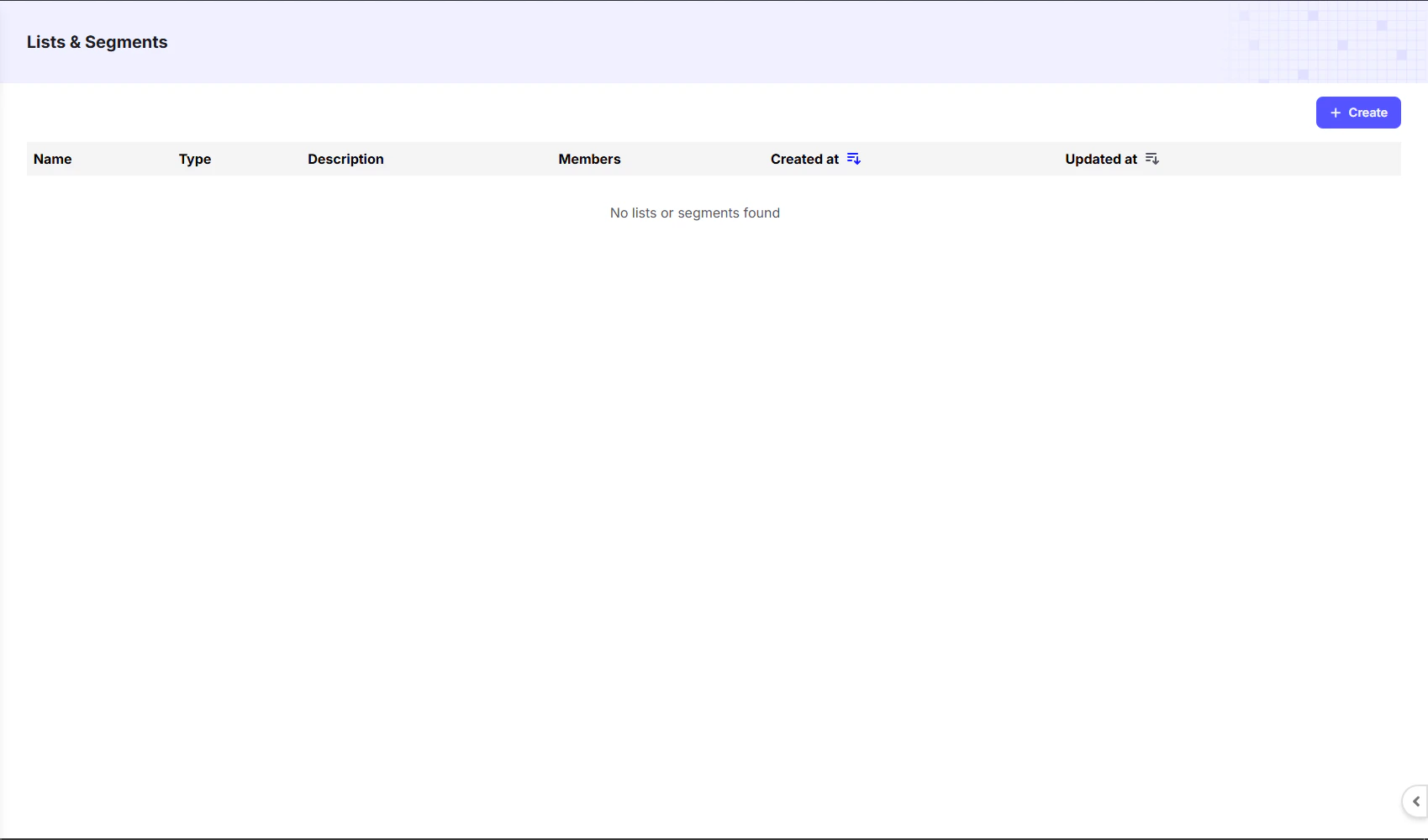
Creating a List
To create a new list, click the+ Create button in the top right corner. A form will appear where you can give your list a Name and a Description.
Once created, all lists will be visible on the dashboard. The table columns provide a quick overview of each list:
| Column | Description |
|---|---|
| Name | The custom name you gave the list. |
| Type | The type of list, indicating how it is managed. |
| Description | A brief explanation of the list’s purpose. |
| Members | The total number of contacts in the list. |
| Created at | The date and time the list was created. |
| Updated at | The date and time the list was last updated. |
Adding Contacts to a List
Once you create a list:- Navigate back to the Contacts Dashboard.
- Select the contacts you want to add.
- At the bottom-left corner, click the Add to List option.
- Choose your preferred list and confirm.