
Documentation Index
Fetch the complete documentation index at: https://docs.chatzy.ai/llms.txt
Use this file to discover all available pages before exploring further.
The Journeys Dashboard
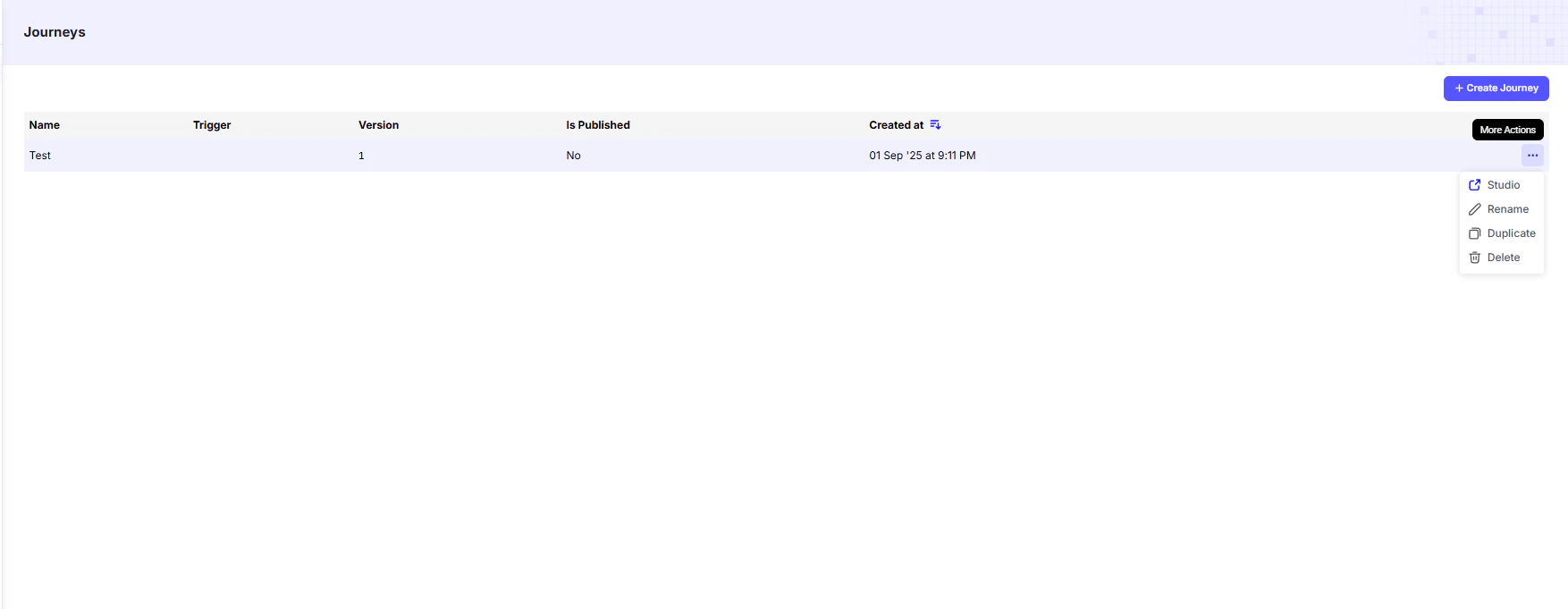
From here, you can quickly view the status of each journey and perform key management actions.
Journey List
The main table provides a summary of all journeys you’ve created:| Column | Description |
|---|---|
| Name | The custom name you gave your journey. |
| Trigger | The event that starts this journey (e.g., user message, keyword mention, form submission). |
| Version | The current version number of the journey. |
| Is Published | Indicates whether the journey is live and active for users. |
| Created At | The date and time the journey was created. |
Journey Actions
For each journey in the list, the More Actions dropdown provides management options:- Studio → Opens the visual flow builder to edit journey nodes and cards.
- Rename → Change the journey’s name.
- Duplicate → Create an exact copy (useful for testing variations or creating backups).
- Delete → Permanently remove the journey from your account.