
The Instagram Message Templates section is where you can design and manage rich, structured messages for your Instagram Business chatbot.Documentation Index
Fetch the complete documentation index at: https://docs.chatzy.ai/llms.txt
Use this file to discover all available pages before exploring further.
These templates let you send engaging content, showcase products, and guide conversations directly with your followers and customers.
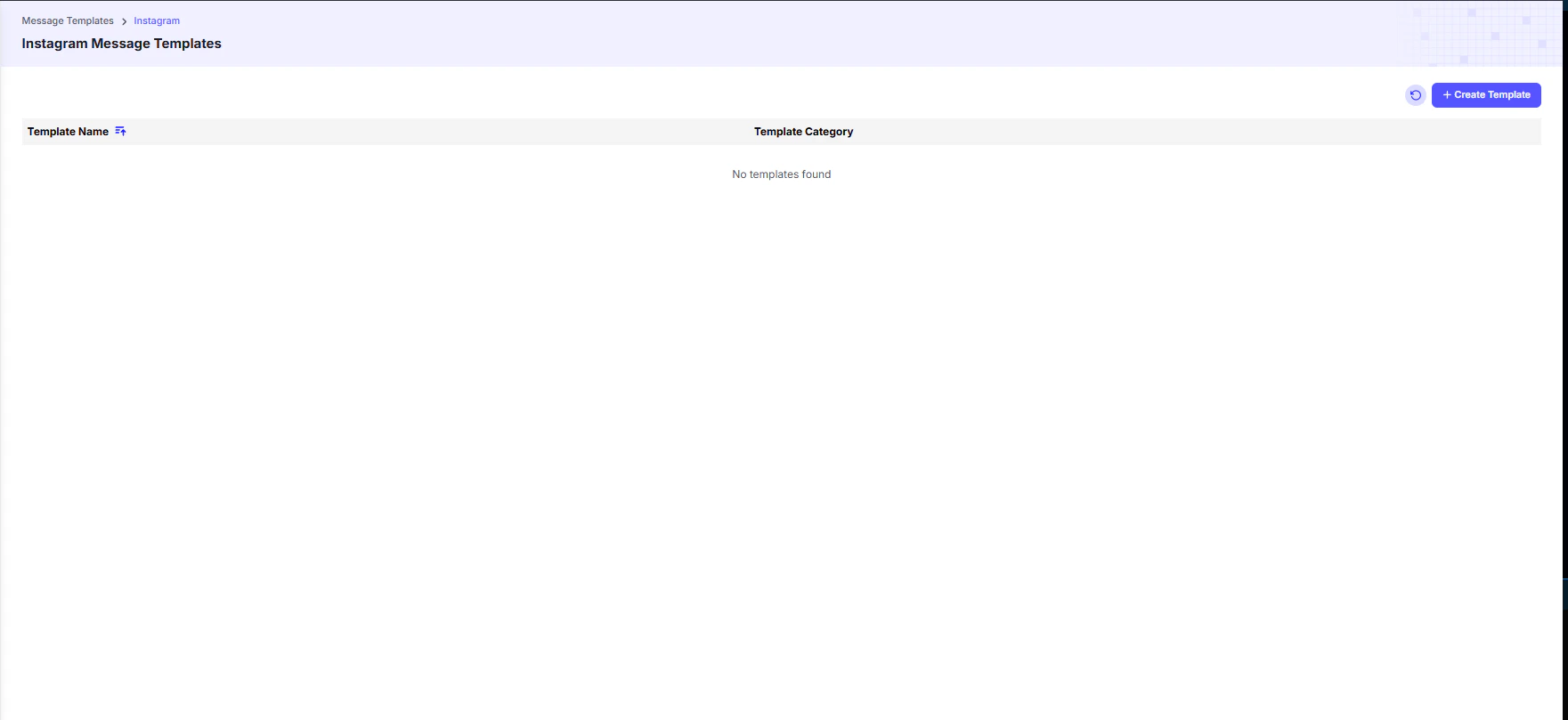
Template Categories
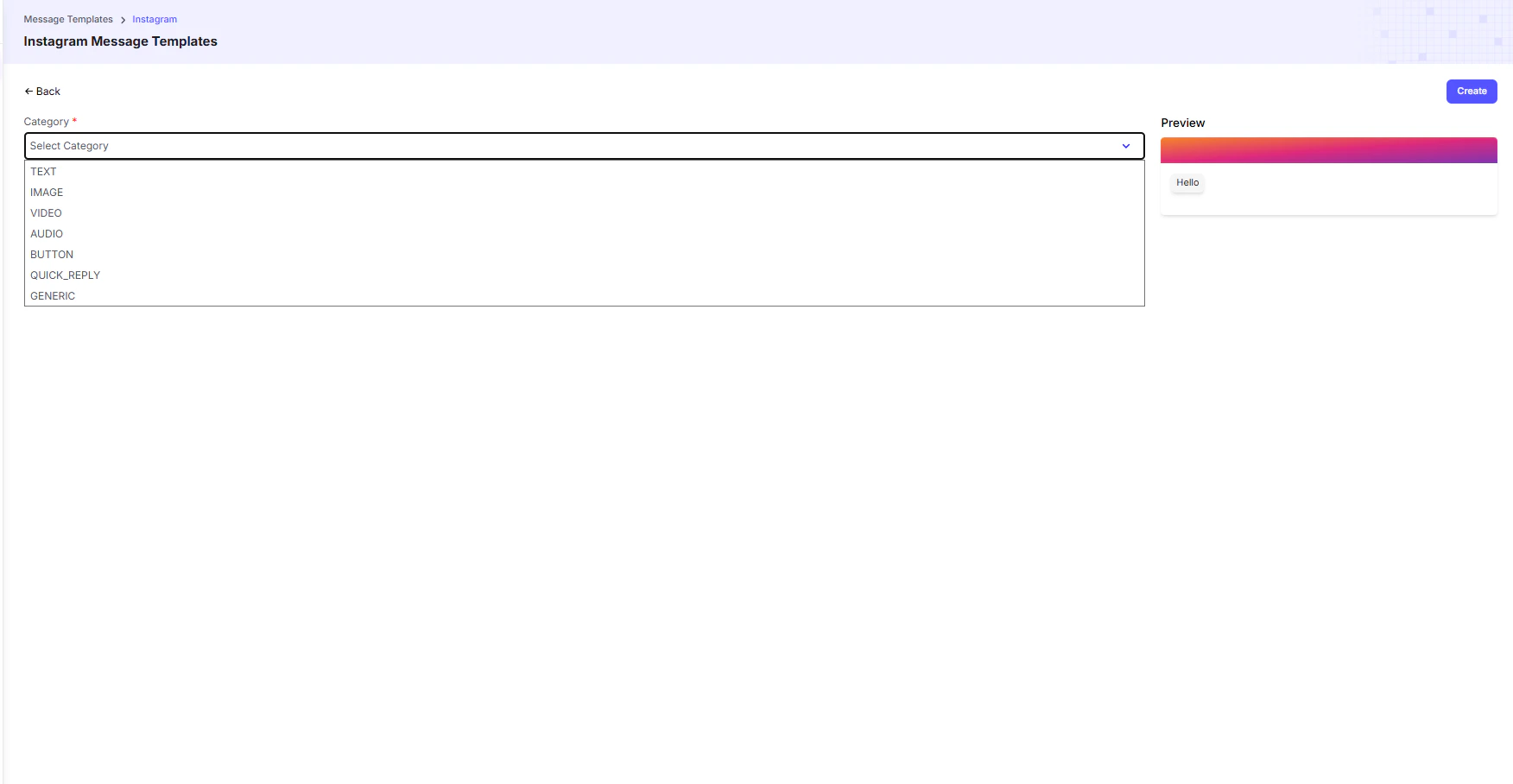
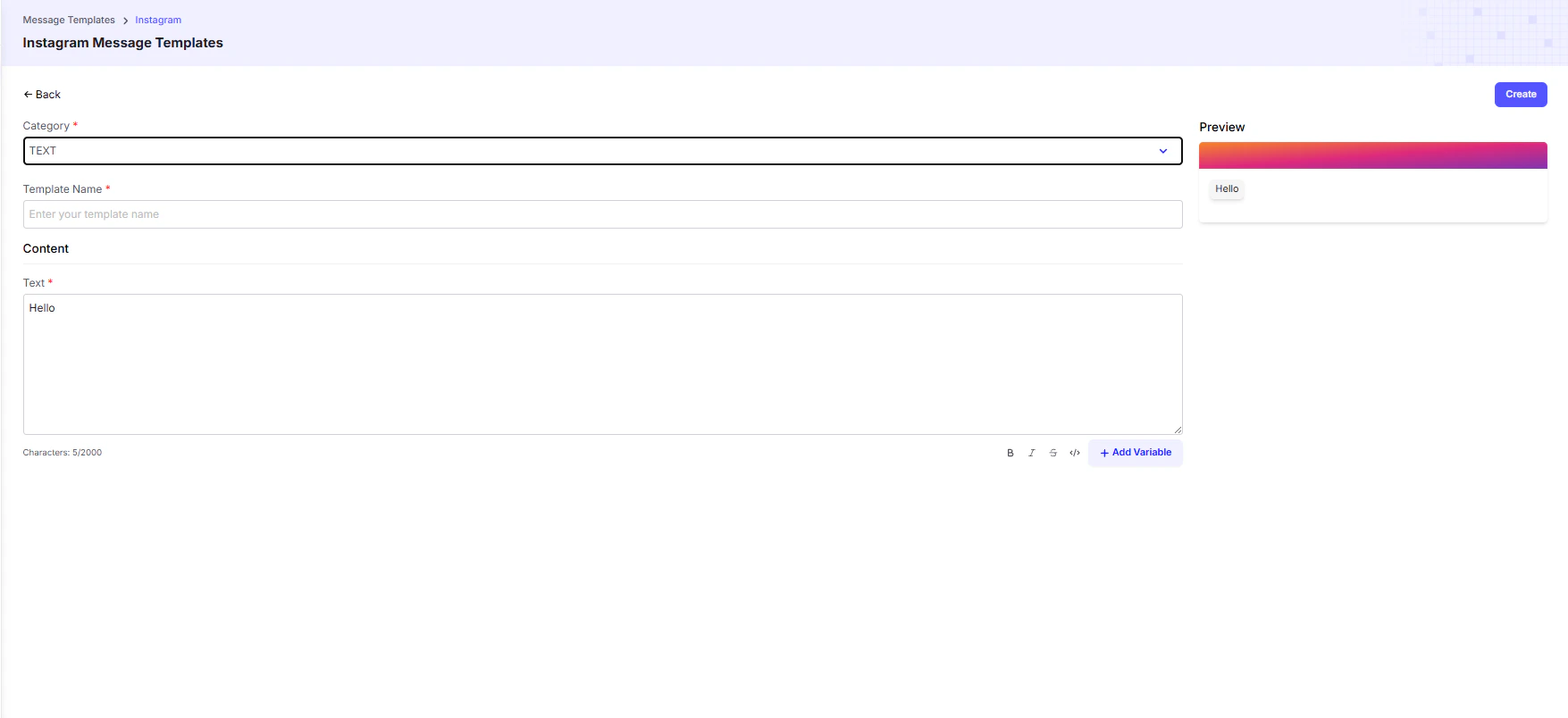
- TEXT → Send simple, plain-text messages to users for quick communication.
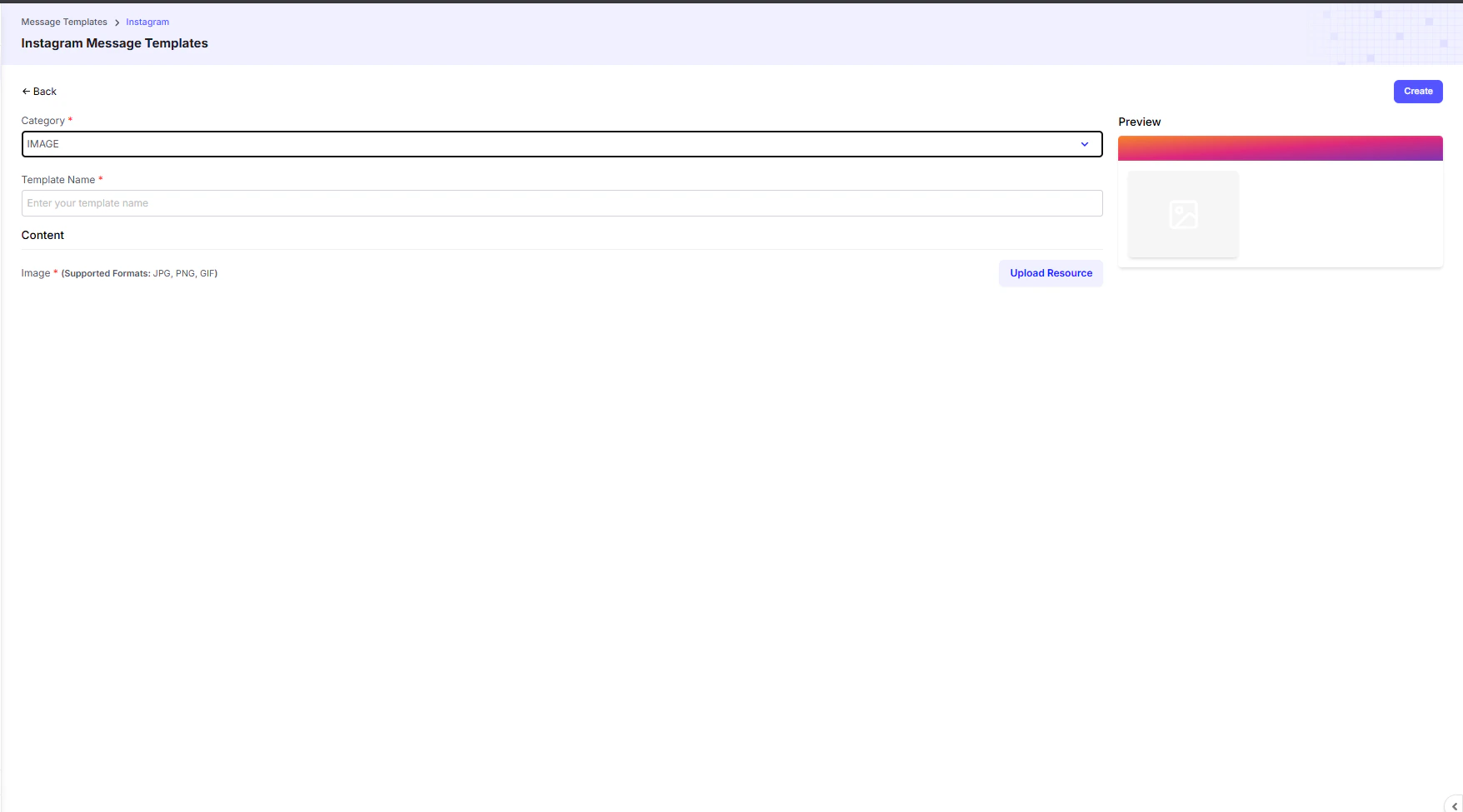
- IMAGE, VIDEO, AUDIO, FILE → Send rich media content to make your conversations more engaging.
- Perfect for visual storytelling, product showcases, or promotional content.
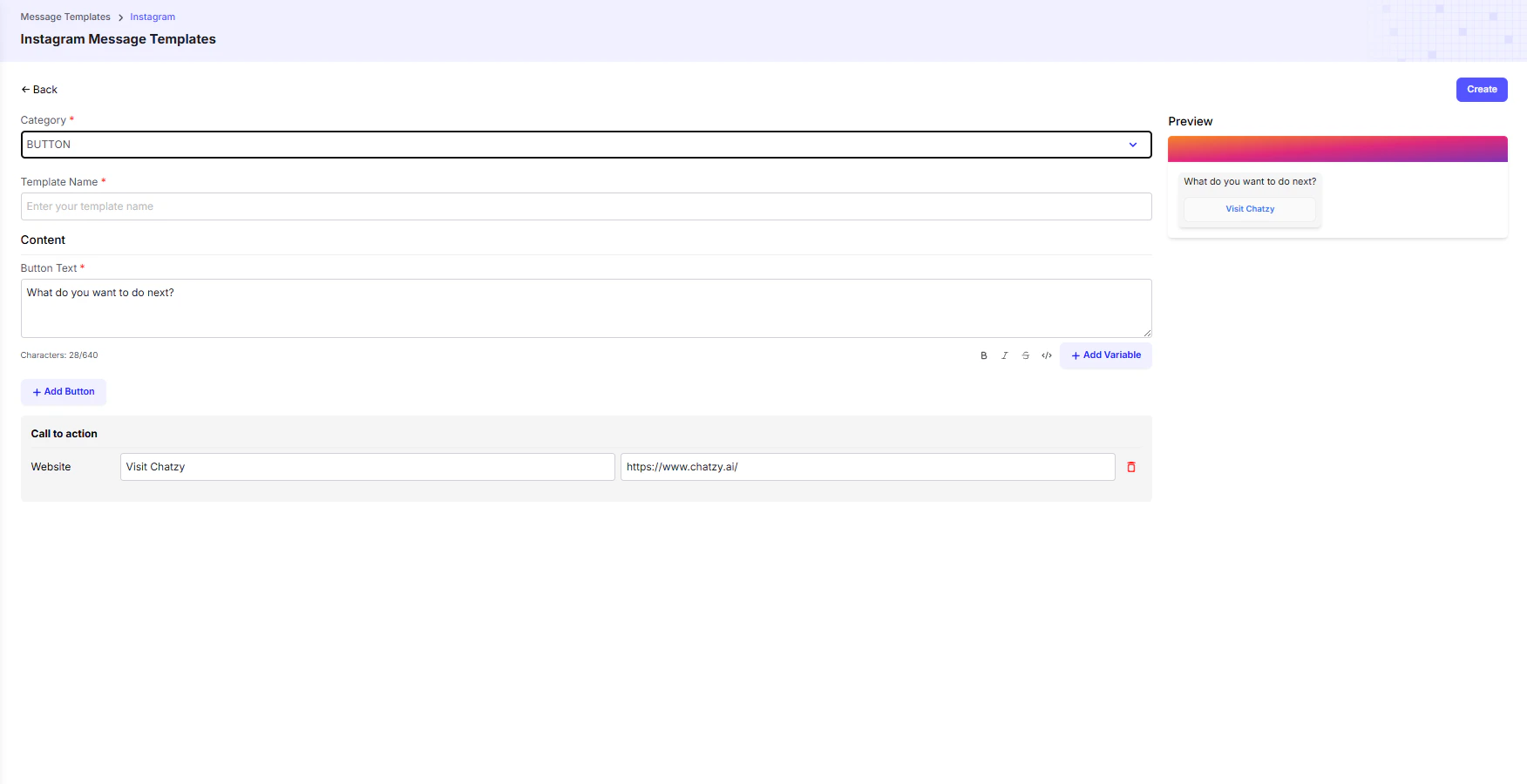
- BUTTON → Create interactive messages with a clickable button that directs users to a website, landing page, or product link.
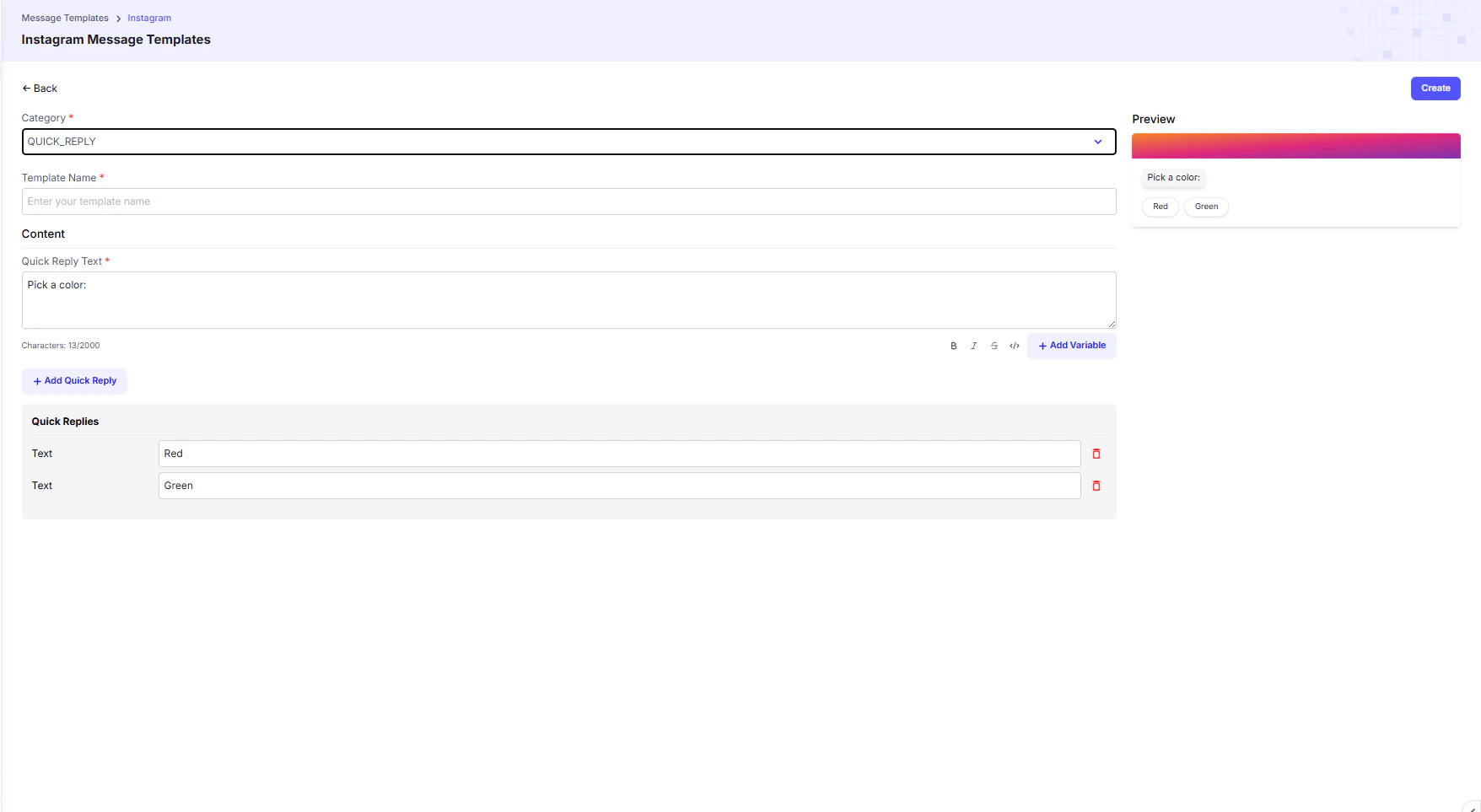
- QUICK_REPLY → Provide users with a set of predefined quick reply options.
This guides the conversation, helps capture user intent, and speeds up responses.
- GENERIC → Build rich, interactive cards that combine a title, subtitle, image, and buttons in one structured template.
Widely used for displaying product catalogs, service menus, or promotional offers in a visually appealing way.
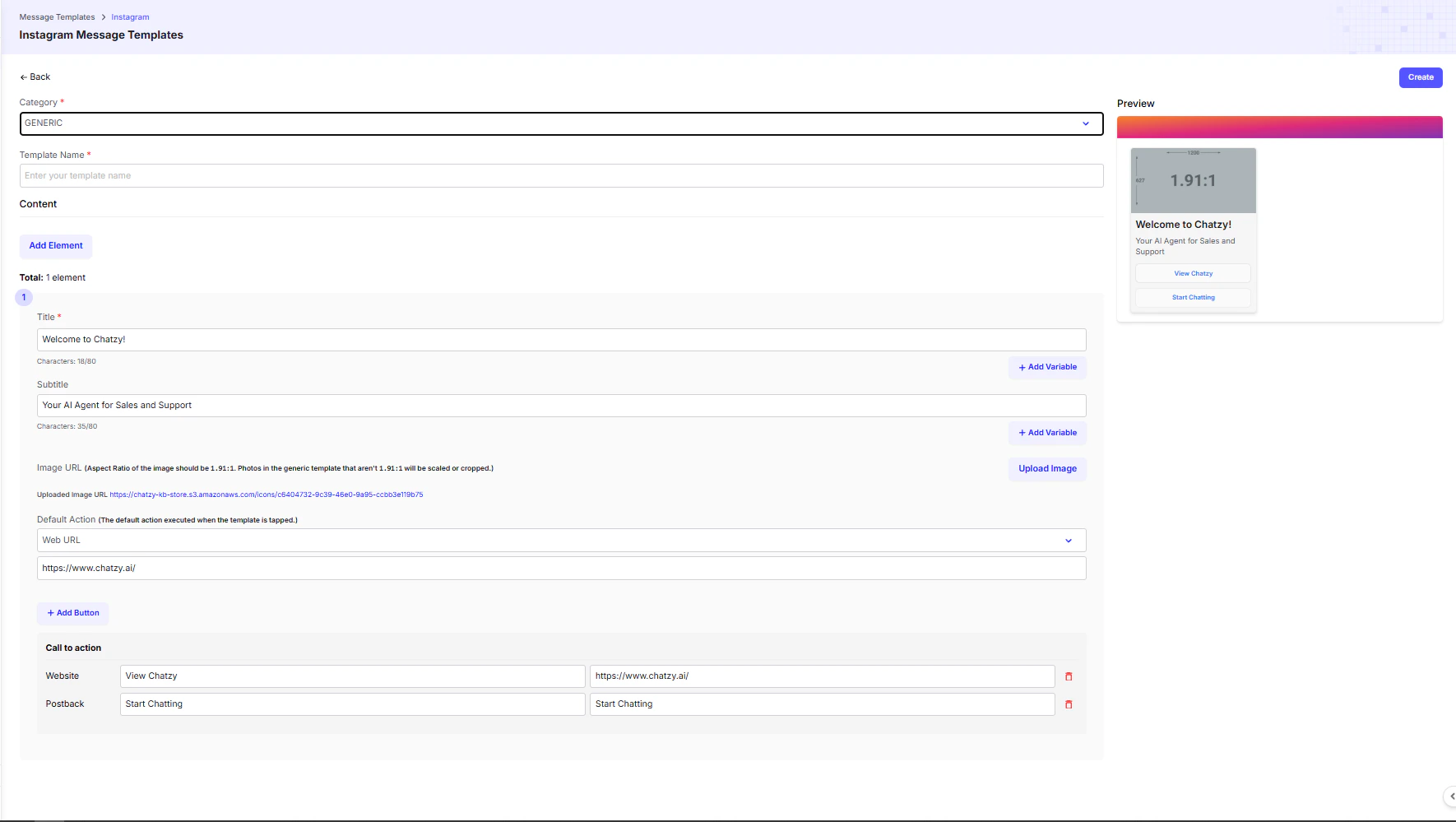
💡 Tip: Use Generic Templates when you need to showcase multiple products or offers in a carousel format, letting users swipe through items and take instant action.