
The Campaigns section is where you manage all proactive, outbound messaging. Unlike Journeys, which are reactive and triggered by user actions, Campaigns let you proactively send messages to a chosen audience. Campaigns can be scheduled in advance or launched immediately to drive engagement, announce new products, or share promotions. If you want to reach a larger group of users at once, Campaigns are the right tool.Documentation Index
Fetch the complete documentation index at: https://docs.chatzy.ai/llms.txt
Use this file to discover all available pages before exploring further.
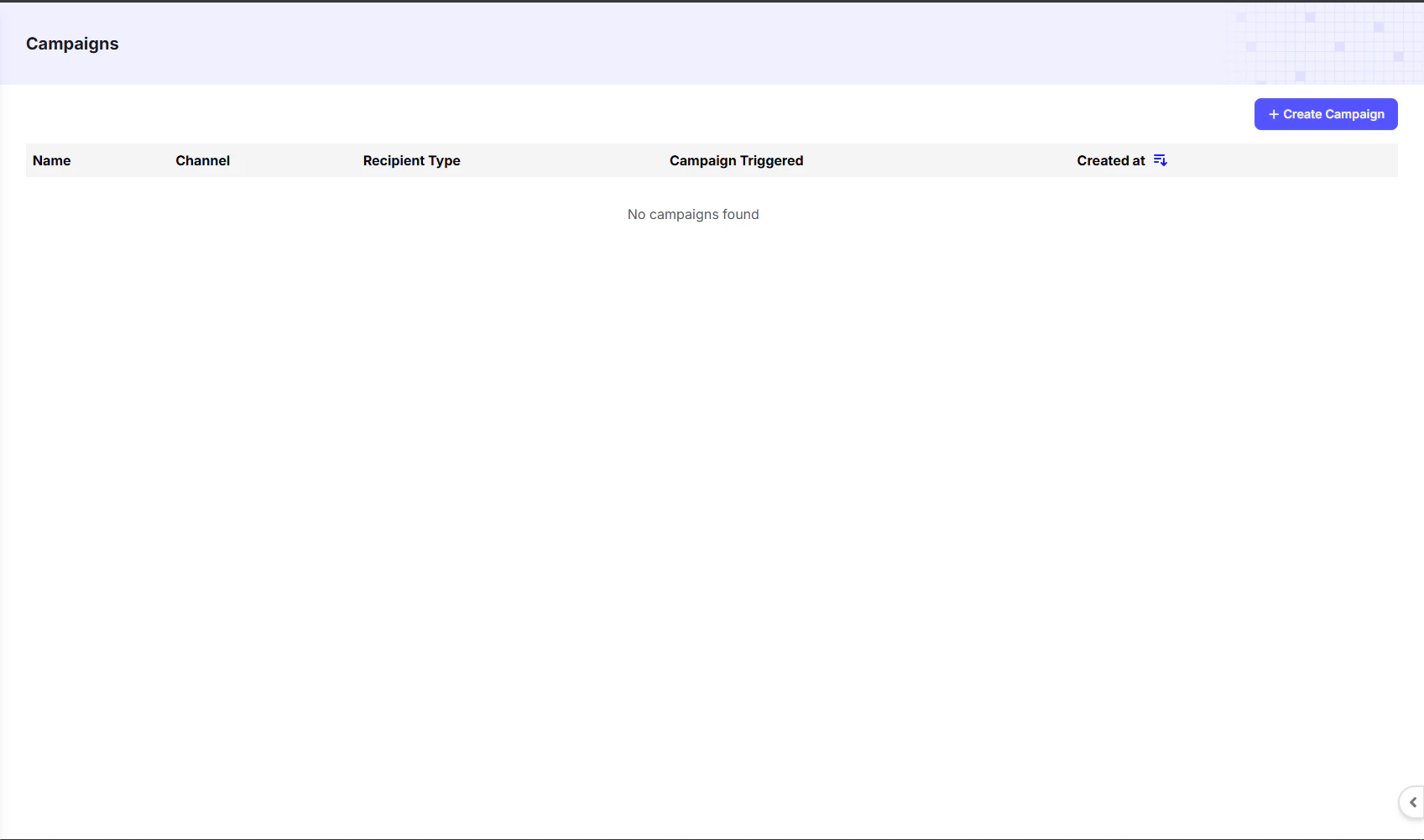
Campaigns Dashboard Overview
The dashboard provides a summary of all created campaigns:| Column | Description |
|---|---|
| Name | The name you assigned to the campaign. |
| Channel | The messaging platform used (e.g., WhatsApp, Instagram, Messenger). |
| Recipient Type | Defines the target audience, such as all leads, a contact list, or filtered segments. |
| Campaign Triggered | The condition that starts the campaign (e.g., scheduled date/time or manual start). |
| Created At | The date and time the campaign was created. |
Creating a New Campaign
To create a new campaign, click the+ Create Campaign button in the top-right corner of the dashboard. You’ll then choose the channel, audience, and content for your campaign.
Step-by-Step Example
Here’s a quick example you can explore:Create WhatsApp Campaign
Learn how to set up and launch a WhatsApp campaign.