
The Stats tab provides a detailed breakdown of your campaign’s performance after it has been sent. Here, you can track key metrics and monitor the delivery status of each message.Documentation Index
Fetch the complete documentation index at: https://docs.chatzy.ai/llms.txt
Use this file to discover all available pages before exploring further.
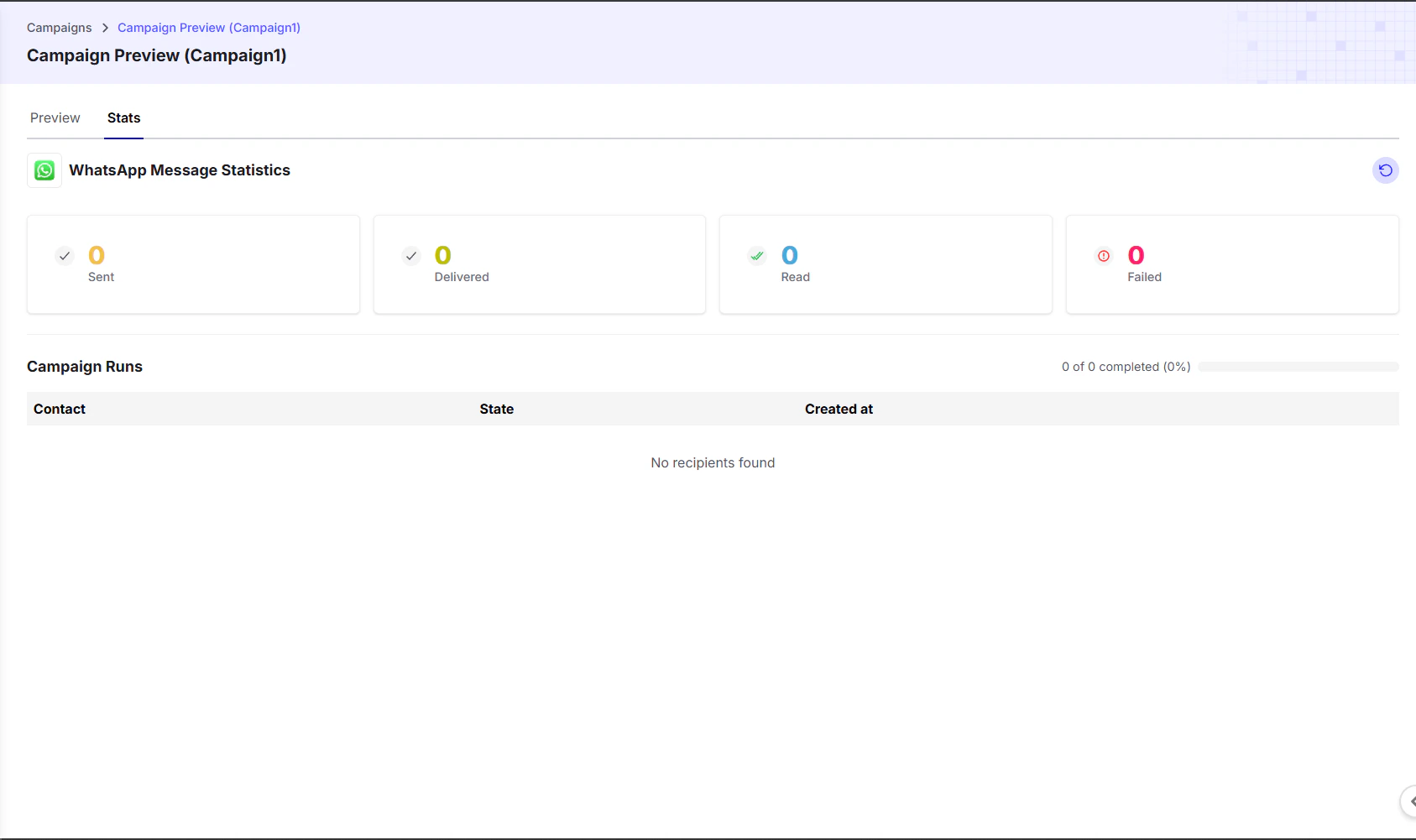
WhatsApp Message Statistics
This section shows real-time analytics for your campaign messages:- Sent: The total number of messages that have been sent to recipients.
- Delivered: The number of messages that were successfully delivered to the recipients’ devices.
- Read: The number of messages that have been read by the recipients.
- Failed: The number of messages that failed to send or be delivered.
- Save Failed Contacts: You also have the option to save a list of contacts whose messages failed, making it easier to retry or follow up later.
Campaign Runs
This table provides a log of each individual message sent as part of the campaign:- Contact: The contact who received the message.
- State: The current status of the message, such as
Sent,Delivered,Read, orFailed. - Created At: The timestamp when the message was sent.