
The Flow Builder is where you visually design and organize your conversational journeys.Documentation Index
Fetch the complete documentation index at: https://docs.chatzy.ai/llms.txt
Use this file to discover all available pages before exploring further.
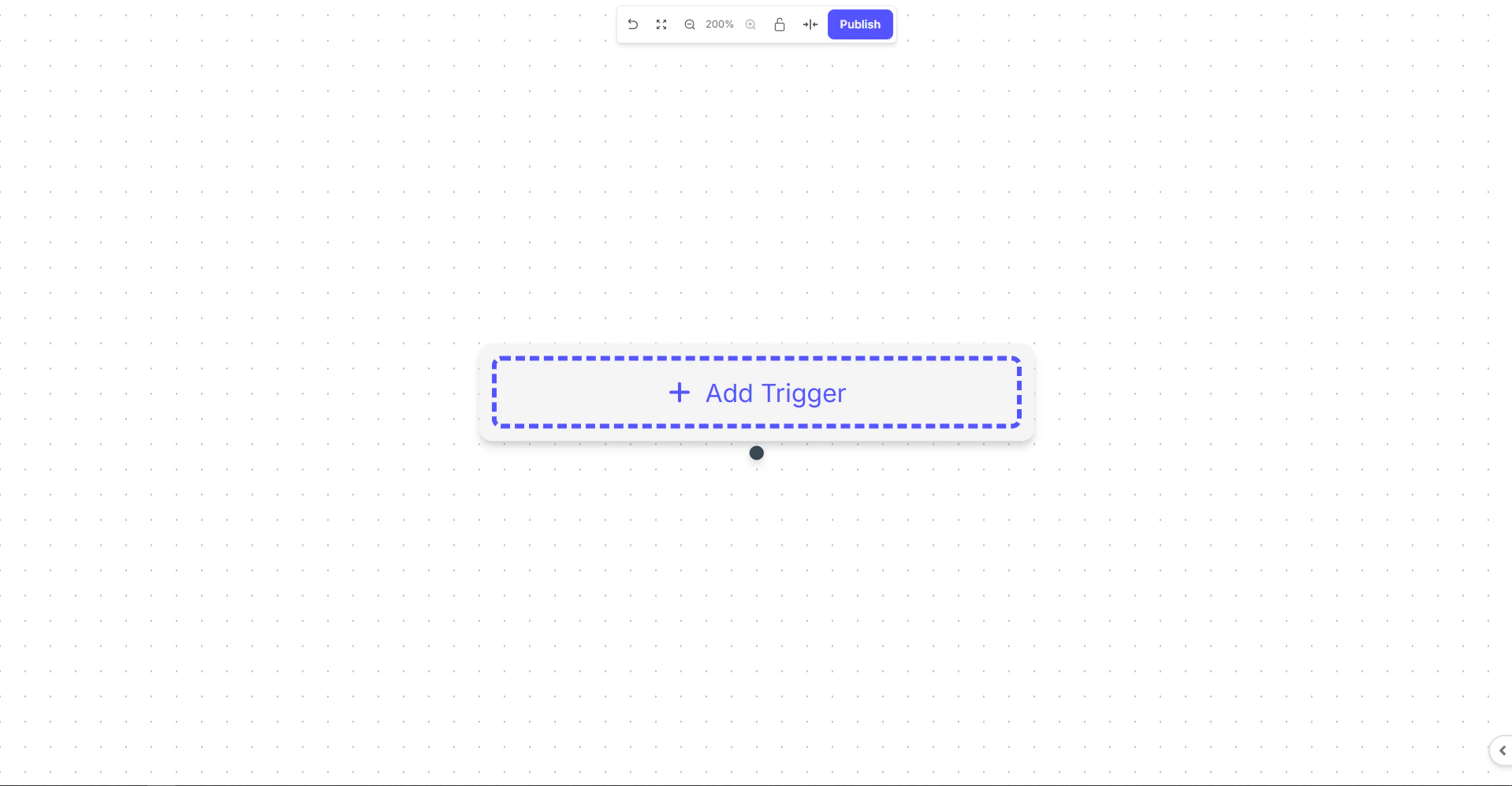
The top bar provides several tools to help you manage your workspace and control the publishing process.
Top Bar Tools
- Back to All Journeys → Returns you to the Journeys Dashboard to view and manage all flows.
- Fit View → Adjusts the canvas so all nodes and triggers are visible within the screen.
- Zoom → Zoom in or out for a closer look at specific areas or to see the entire flow.
- Toggle Interactivity → Enables or disables interaction with nodes; useful for reviewing complex flows without editing them.
- Align → Automatically arranges and aligns all nodes for a neat and structured layout.
- Publish → Makes the journey live and active. Once published, the flow will respond to its configured triggers.
Adding a Trigger
At the center of the canvas, the+ Add Trigger button is the starting point of every journey.A trigger defines the event that initiates the flow .