
Documentation Index
Fetch the complete documentation index at: https://docs.chatzy.ai/llms.txt
Use this file to discover all available pages before exploring further.
Setting up Instagram
The Instagram Messaging channel allows you to integrate your AI chatbot with your Instagram Business account. This enables your bot to automate replies, engage followers, and provide real-time support directly within Instagram DMs.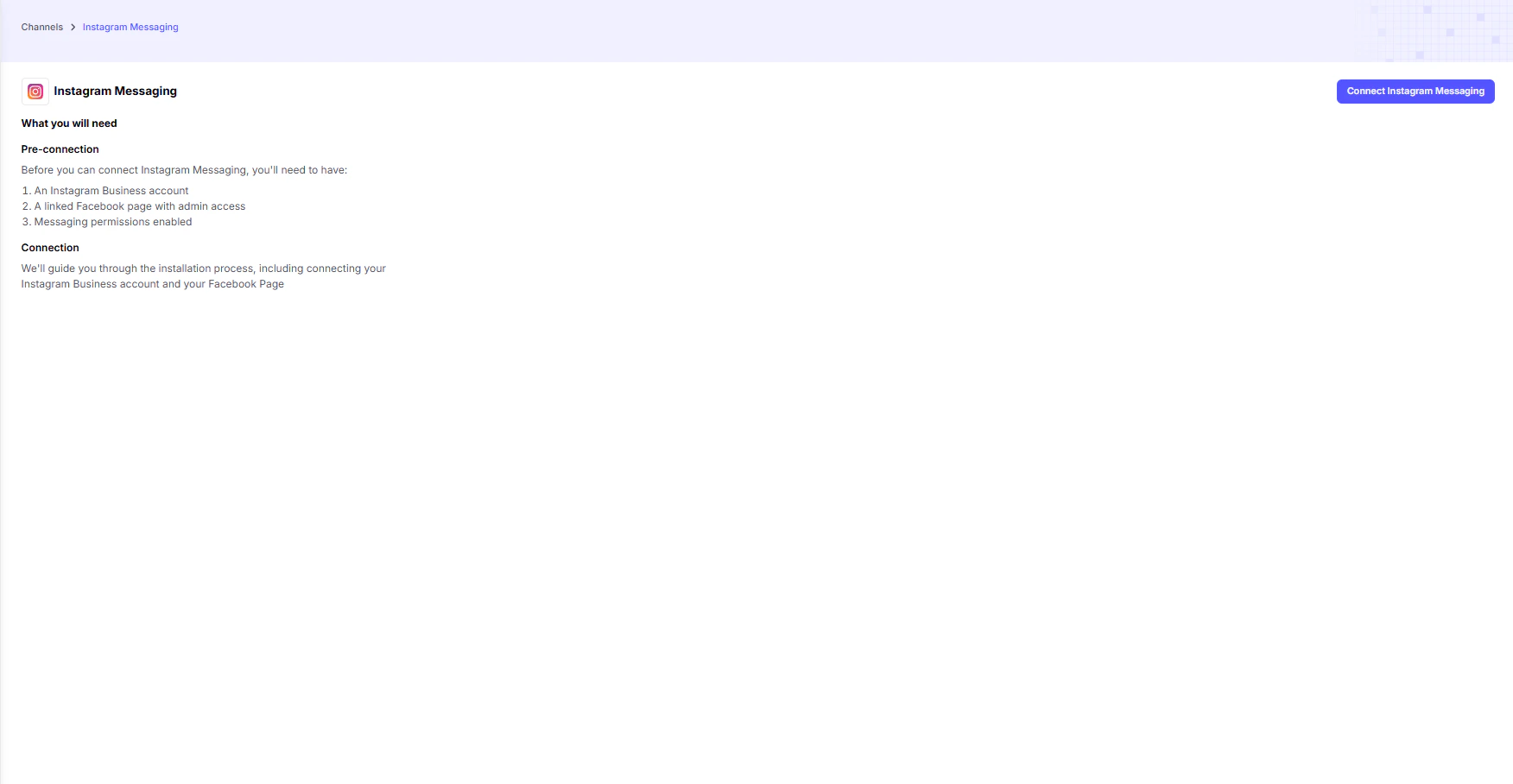
Prerequisites
Before connecting, make sure you meet the following requirements:-
Instagram Business Account
- Your Instagram profile must be set as a Business account to unlock messaging automation features.
-
Linked Facebook Page with Admin Access
- Your Instagram Business account must be linked to a Facebook Page.
- You must have admin access to that Page to complete the integration.
-
Messaging Permissions Enabled
- Ensure that messaging permissions are turned on in your Instagram settings.
- This allows the chatbot to send and receive direct messages.
Key Functions of Instagram Messaging Integration
- Automated Replies → Instantly respond to FAQs, product queries, or service inquiries.
- Engagement Boost → Keep followers engaged by handling DMs 24/7.
- Lead Capture → Collect user details (name, email, phone) during chat flows.
- Seamless Handoff → Escalate chats to a human agent when needed.
Example Use Cases
- E-commerce Brands → Reply to order status queries, recommend products, and share promotions.
- Service Providers → Book appointments or answer client questions.
- Content Creators → Engage with fans, manage collaboration requests, and handle FAQs automatically.