
Documentation Index
Fetch the complete documentation index at: https://docs.chatzy.ai/llms.txt
Use this file to discover all available pages before exploring further.
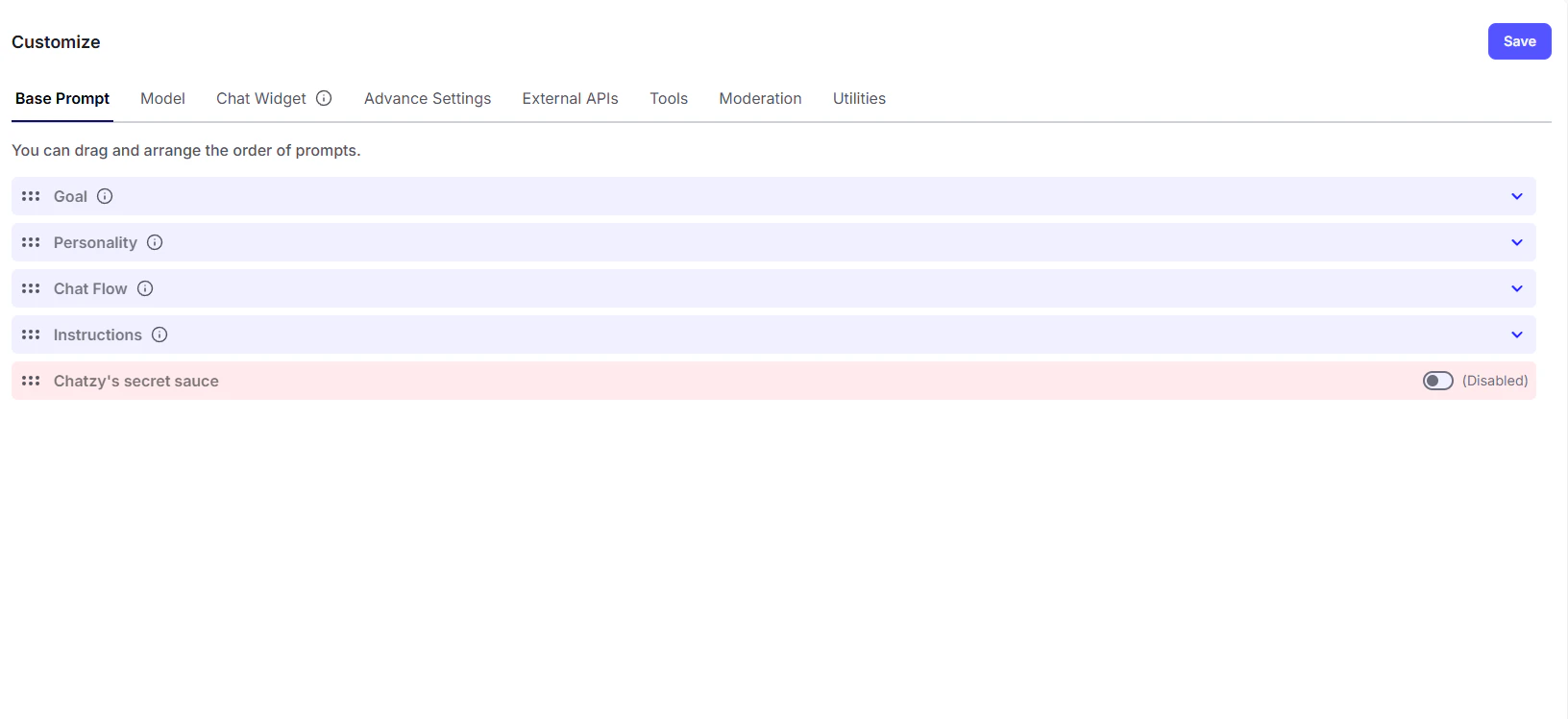
The Base Prompt tab is your command center for teaching the AI how to think and act. By customizing the sections within this tab, you set the fundamental rules that will guide every conversation your chatbot has.
-
Goal: This section is for defining the primary purpose of your chatbot. Is its job to answer customer questions, book appointments, or simply greet visitors? Setting a clear goal ensures the chatbot stays focused and effective.
Example:
You are Ava, ChatzyAI's assistant, your goal is to provide helpful information about products and answer customer support queries. -
Personality: Here, you define the chatbot’s tone and behavior. Do you want it to sound professional, friendly, or a bit playful? The personality you choose will shape how it interacts with users and represents your brand.
Example:
Be friendly, helpful, and slightly enthusiastic. Use clear and concise language. -
Chat Flow: Use this to structure the conversation. You can guide the chatbot to follow a specific sequence of steps, like starting with a greeting, asking for a name, and then presenting a list of options. This helps create a smooth and predictable user experience.
Example:
1. Greet the user with "Hello! How can I help you today?"
2. Ask "Are you looking for product information or support?"
3. Based on the answer, provide relevant information or direct them to the support resources. -
Instructions: This is where you add specific rules and guidelines. You can give the chatbot detailed commands, such as “always provide a summary at the end of the chat” or “never use emojis.” This gives you fine-grained control over its responses.
Example:
Always provide a link to our FAQ page if the user has a question about pricing.Do not use slang or overly casual language.