
The Tools tab extends your chatbot’s capabilities with built-in functions and integrations. These tools allow your bot to move beyond simple Q&A and perform specific actions within conversations.Documentation Index
Fetch the complete documentation index at: https://docs.chatzy.ai/llms.txt
Use this file to discover all available pages before exploring further.
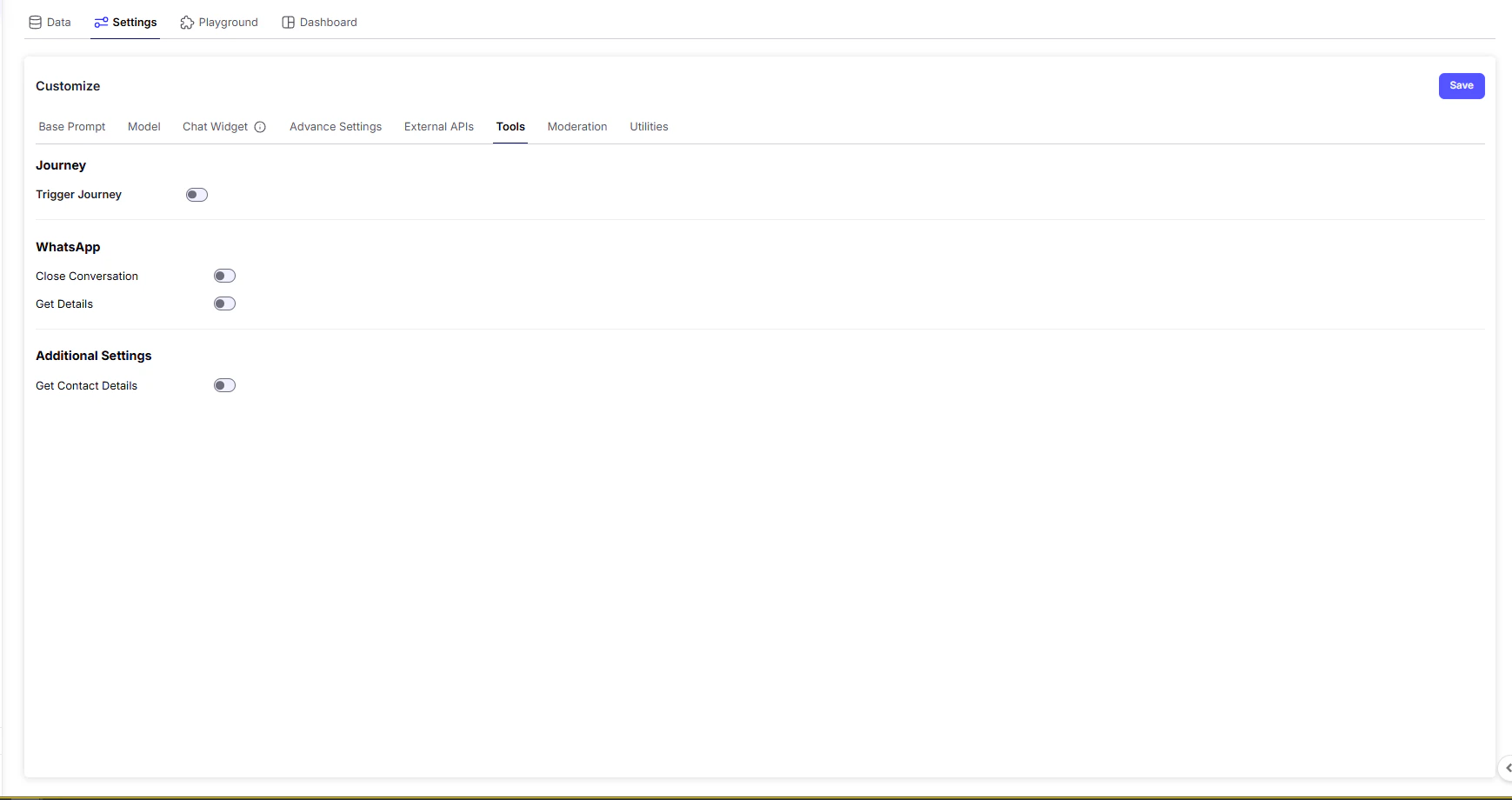
Available Tools
- Journey
Trigger a pre-designed sequence of actions (called a journey) for your chatbot to follow.
A journey could be:- Forwarding Lead to CRM
- Transferring chat from one AI agent to another
To trigger a journey, mention the condition with journey name in your prompt. For every selected journey you need to mention the useccase properly
Example :-
-
WhatsApp Tools
These are specialized functions for bots integrated with WhatsApp:- Close Conversation → Formally end a WhatsApp chat, ensuring a clean exit for both user and bot.
- Get Details → Fetch all information associated with the current conversation. Such as Phone number, Full name, Email ID, Conversation_id.
-
Additional Settings
-
Get Contact Details → Retrieve all information associated with a contact for which current conversation is happening.
This includes: Basic details: phone(phn_number), name(first_name), contact_id(contact_id), iFrame user Id(iframe_user_id)
-
Get Contact Details → Retrieve all information associated with a contact for which current conversation is happening.
Custom attributes (if any)
| Tool / Setting | Purpose |
|---|---|
| Journey | Trigger automated conversational flows (e.g., onboarding, lead capture) |
| Close Conversation | End a WhatsApp conversation gracefully |
| Get Details | Retrieve user info from WhatsApp e.g. Full name |
| Get Contact Details | Fetches user data like conversation ID, Tags during chat |